 Type Fast
Typing practice for Android
Type faster on your phone.
You type on a phone keyboard every day, but nobody taught you how. A few minutes of drills a day help you text, take notes and write faster with fewer typos, and your WPM shows the progress.
Free · Android 7.0+ · practice works offline
Screenshots
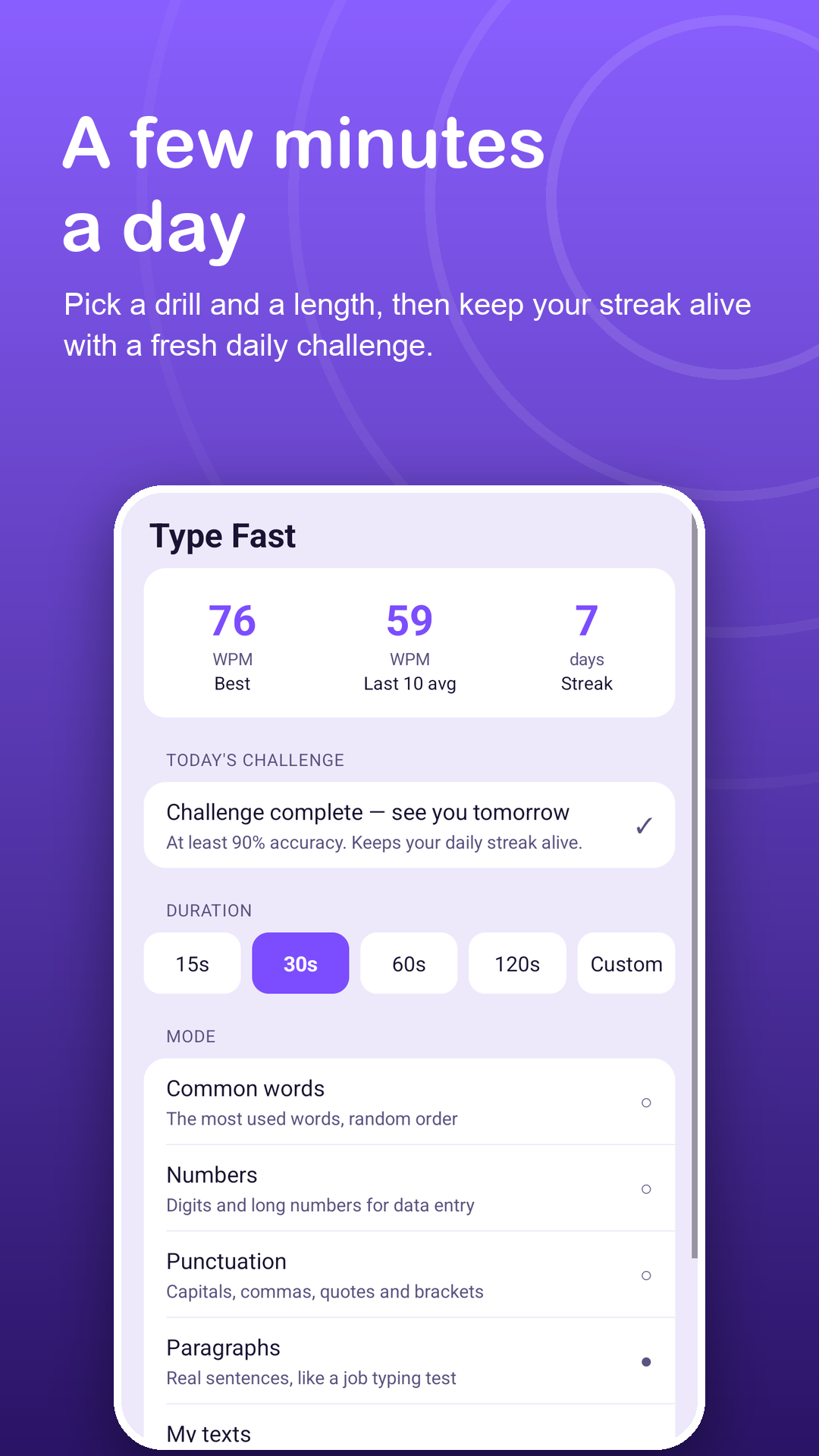
A few minutes a day.
How it works
Practise in three steps.
Pick a drill
Common words, paragraphs, punctuation, numbers or your own text, from a 15-second burst to a 10-minute session.
Type along
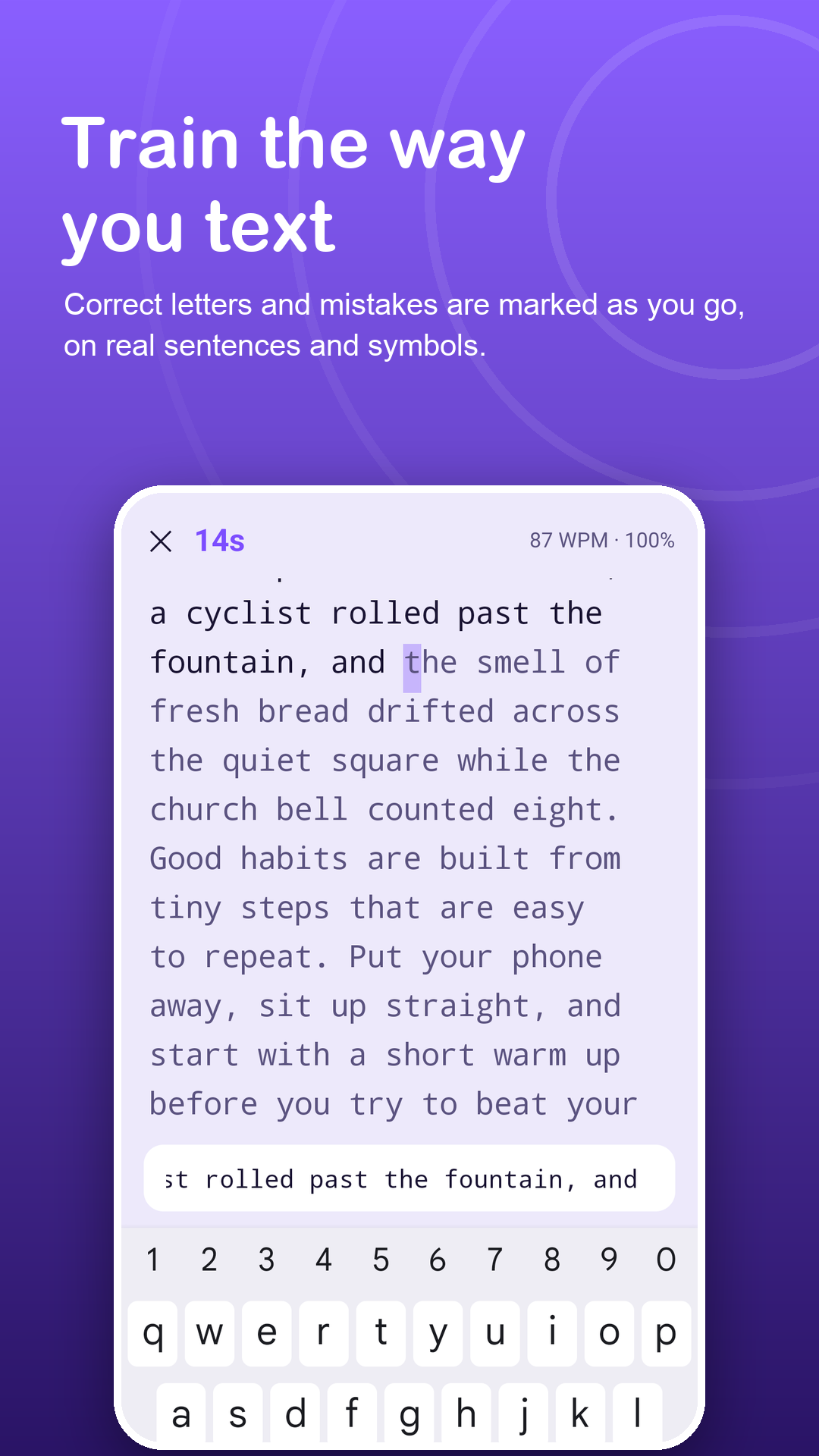
Correct letters and mistakes are marked as you go, with optional gentle vibration when you mistype.
Come back tomorrow
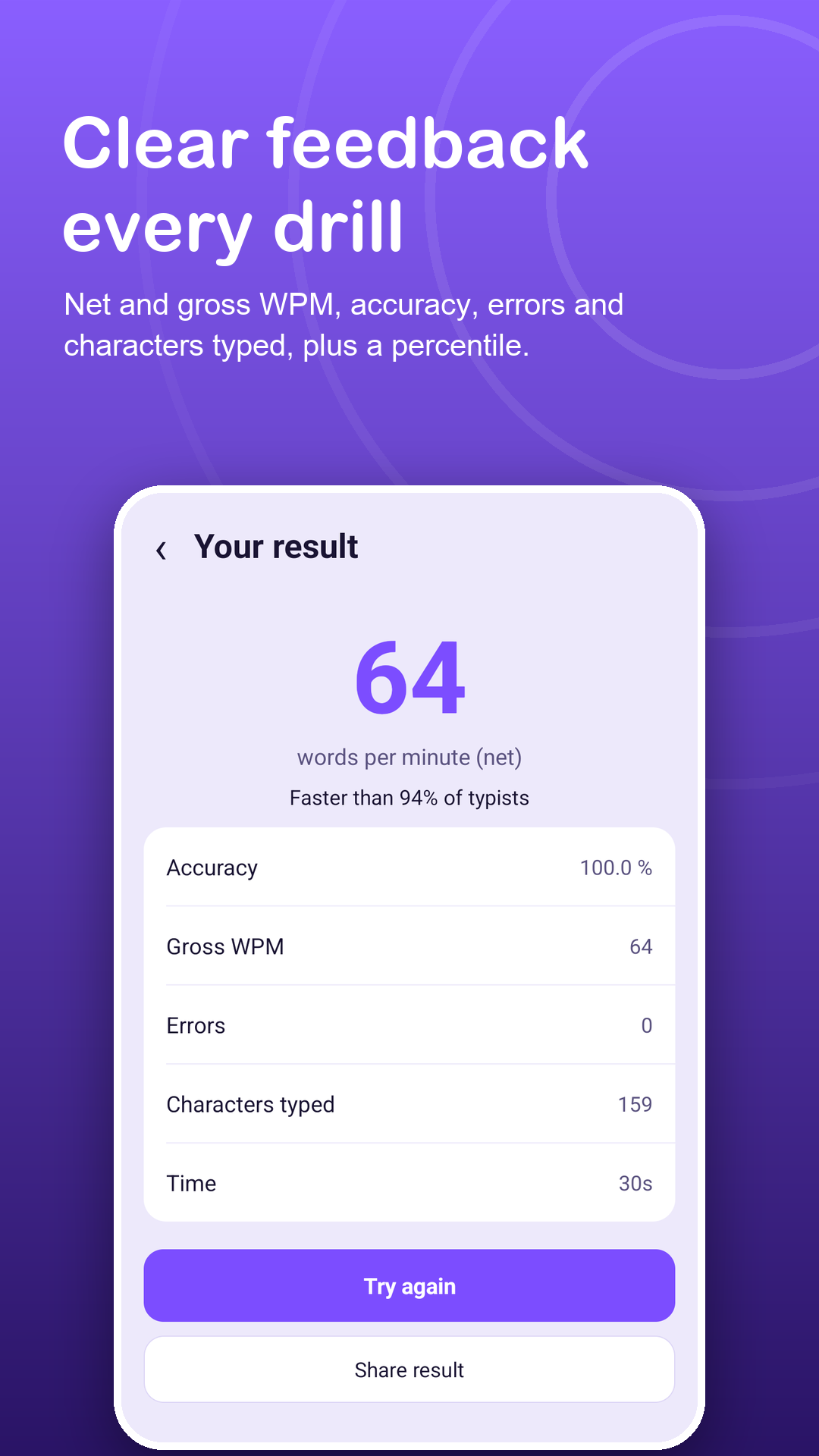
Check your WPM and accuracy, keep your streak and take on a daily challenge set from your own best.
Features
Practice that turns into a habit.
Everyday drills
Frequent words, full sentences, punctuation and numbers such as prices, dates and phone numbers.
Practise your own material
Paste class notes, vocabulary or a presentation into My texts and type through it.
Six languages
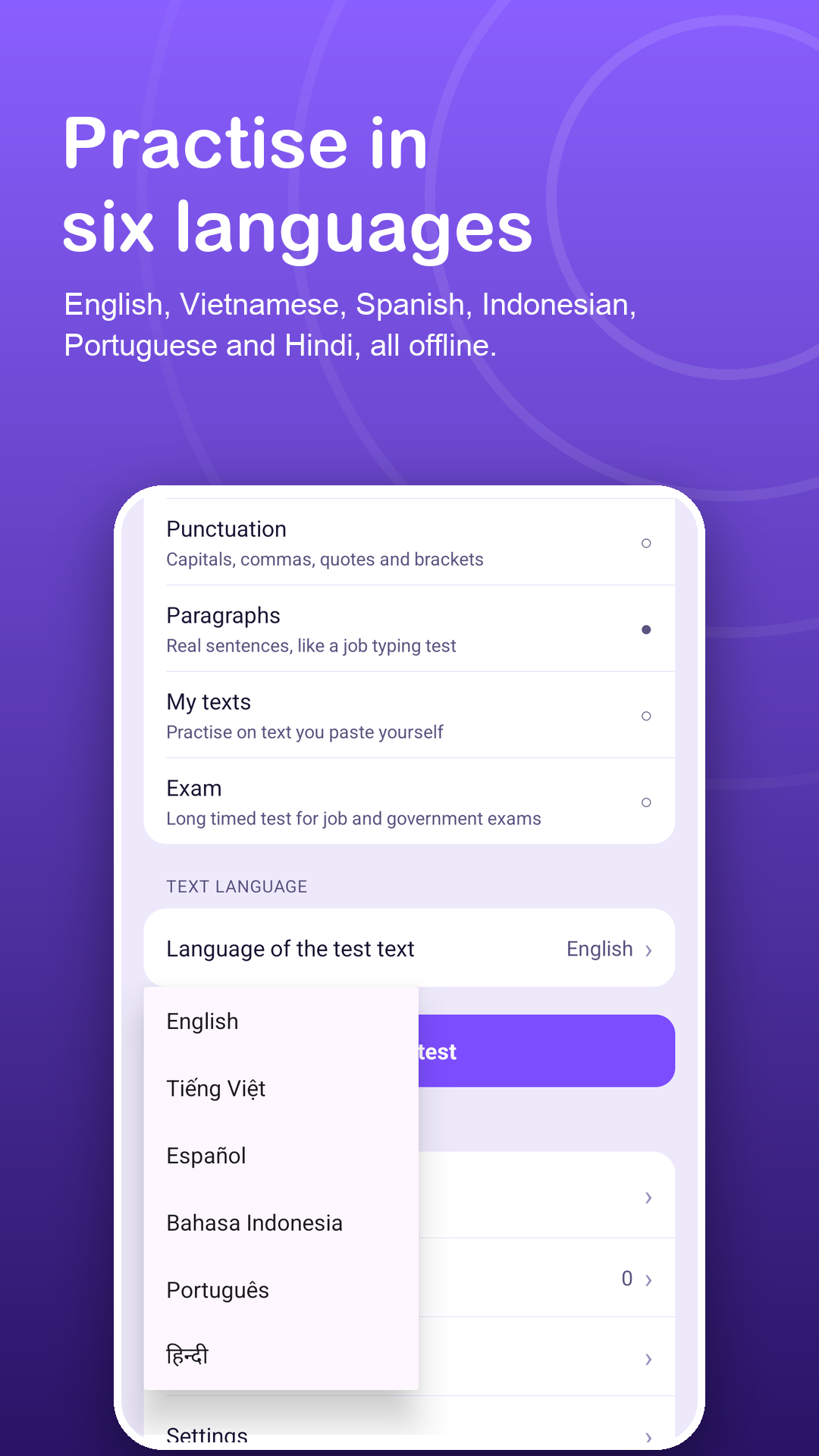
English, Vietnamese, Spanish, Indonesian, Portuguese and Hindi, handy when you are learning a new language.
Streaks and daily challenge
A daily target from your own best result, a streak counter and achievements at 40, 60, 80 and 100 WPM.
Clear progress
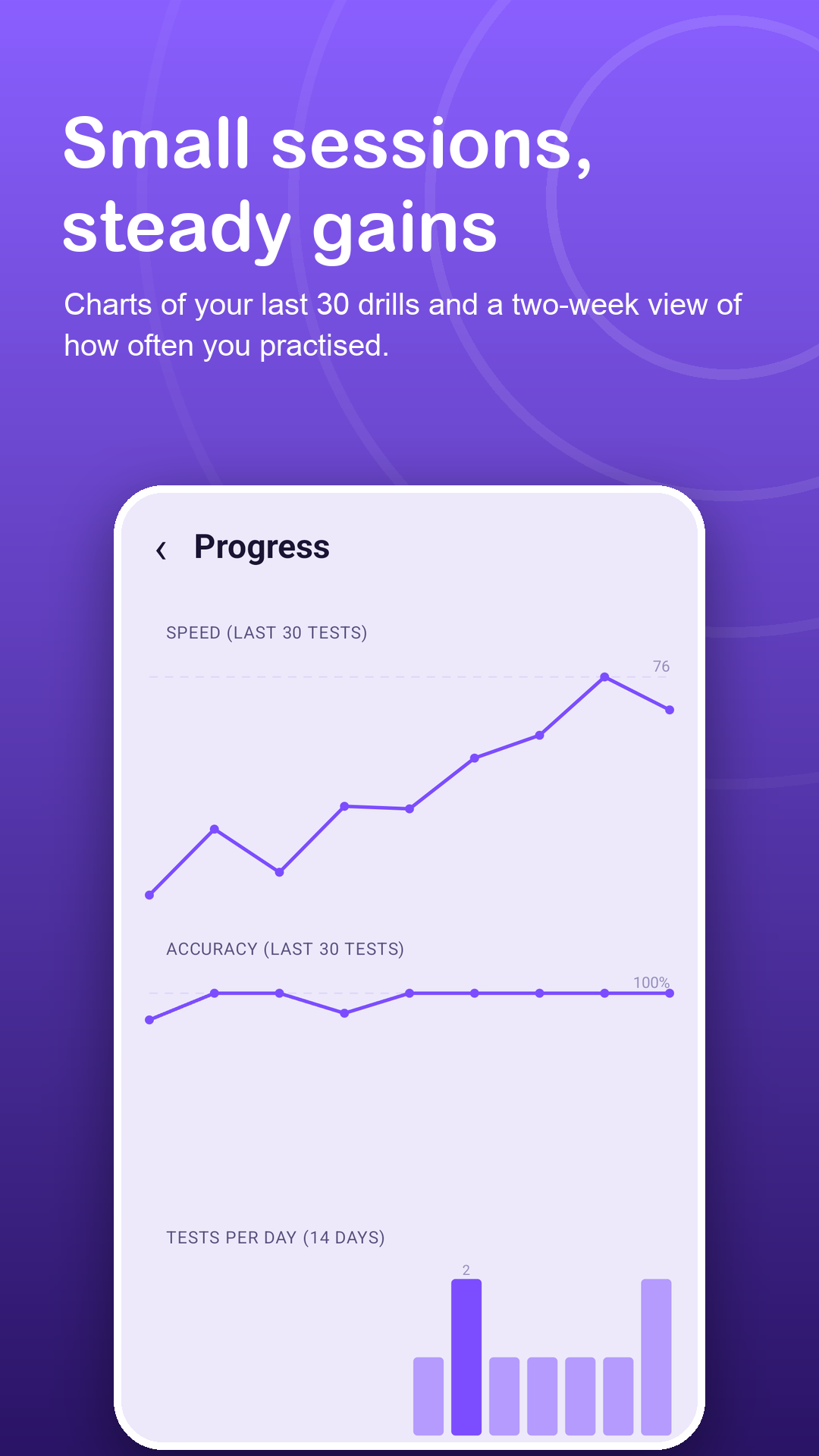
Charts of your last 30 drills, sessions per day over two weeks, your best and your 10-test average.
Offline and calm
All texts are in the app, and ads never appear on the practice or result screens.
Privacy
What you type stays with you.
No account and no sign-up. Your progress and pasted texts are stored on your device only. The internet is used for ads, Google Play purchases and anonymous crash and usage statistics. Read the privacy policy.
FAQ
Fair questions.
How long should I practise each day?
A few short drills are enough. The daily challenge and streak counter help you keep a steady habit, and the charts show whether your WPM is improving.
Can I practise with my own texts?
Yes. Paste any passage into My texts. Up to 3 saved texts are free; Premium removes the limit.
Does it work without internet?
Yes. All practice texts are built in, so drills work fully offline.
Are there ads while I practise?
Ads never appear on the practice screen or the result screen.
What is free and what is Premium?
All lengths, drills and languages, the standard 10-minute exam, charts, daily challenges, streaks, achievements and share cards are free, with a 7-day history. Premium removes ads, unlocks full history with CSV export, unlimited saved texts and custom exam mode.
Which permissions does the app need?
Only internet access (for ads, Google Play purchases and anonymous crash and usage statistics) and vibration (for optional haptic feedback on mistakes). It does not use the Accessibility API, overlays, contacts, storage or location.